Included in the scan report
- 60 invisible Unicode code points, including zero-width spaces and BOM
- U+202F narrow no-break spaces commonly copied from ChatGPT
- Raw Markdown symbols, asterisks, and code fences left on the clipboard
Highlight hidden zero-width tokens and invisible unicode symbols across your text. Review an exact residue breakdown before exporting clean plain copies.
The report provides a deterministic character inventory, not a probabilistic AI score. Use it to verify text hygiene before publishing.
Text hygiene preview
See how hidden Unicode codepoints are highlighted with exact counts.
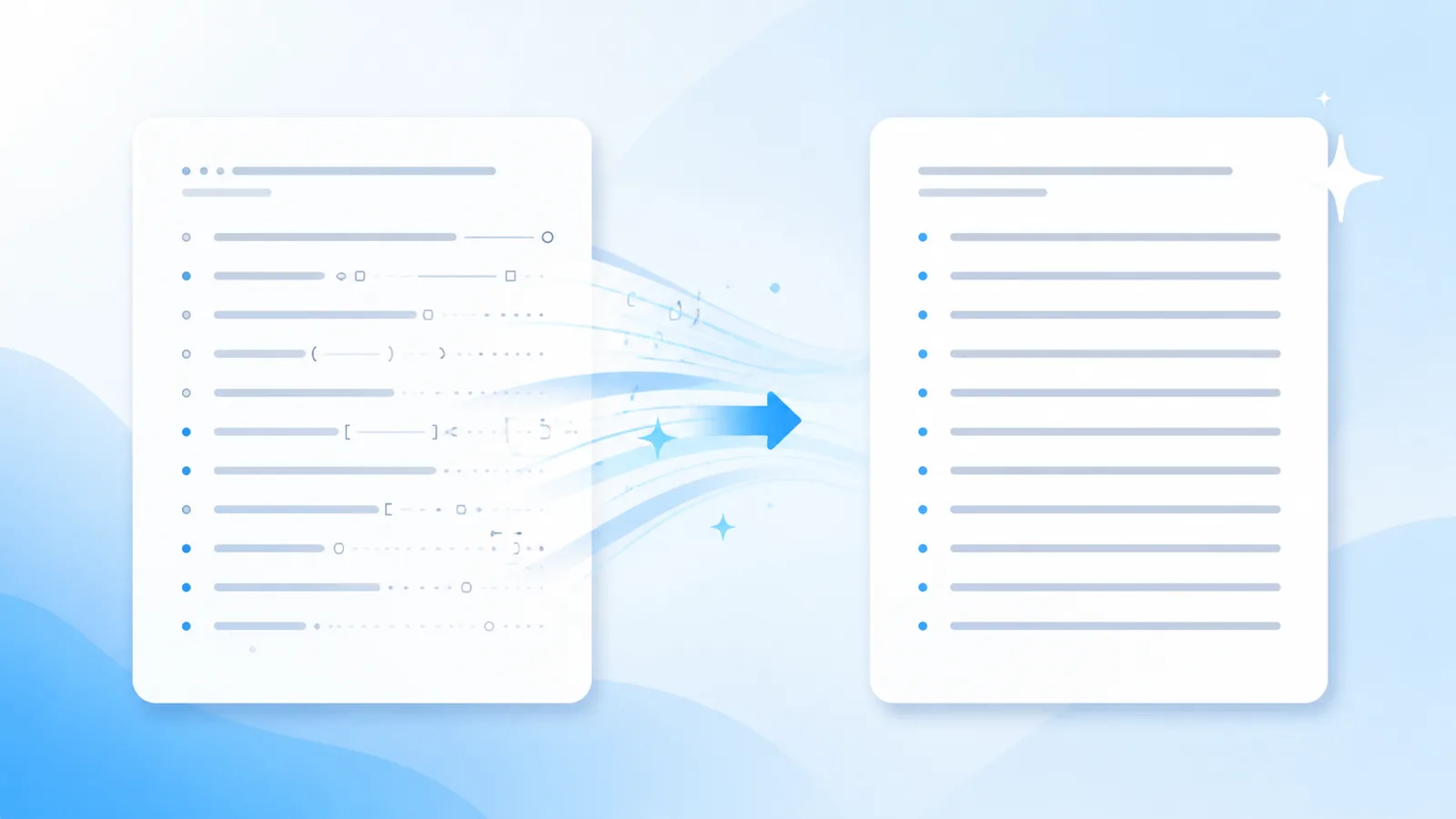
Here is your article overview — **Core takeaways** - First point included > Note: verify numbers
Here is your article overview —

Core takeaways
• First point included

Note: verify numbers
Hygiene advantages
Highlight hidden zero-width tokens and invisible unicode symbols across your text. Review an exact residue breakdown before exporting clean plain copies.
Lists exact counts of all non-printing Unicode codepoints found in the text buffer.
Purges all detected invisible codepoints and normalizes whitespace directly in your browser.
Invisible character removal and Markdown stripping execute 100% locally in your browser session. Your draft text is never transmitted to our servers during free scans.
Workflow
Insert your draft into the scanner to initiate an instant character-by-character audit.
Examine the exact breakdown of invisible Unicode codepoints and hidden tags.
Click Clean to remove all highlighted tokens and copy clean text to your clipboard.
Capabilities
Eliminates zero-width spaces, ZWNJ, non-breaking spaces, and 60+ non-printing codepoints entirely inside your browser.
Flattens bold stars, header hashes, blockquotes, and list indicators into uniform plain text ready for copy editors.
Reconstructs entire sentence structures when models embed statistical sampling signatures into word choice rather than hidden tags.
Softens formulaic phrasing and robotic sentence rhythm to create a fluid, authentic reading cadence.
Text Hygiene Concept
Before publishing important copy or committing code, understanding what hidden characters exist inside your draft is crucial. Many word processors silently mask invisible characters, leaving you unaware of formatting corruption.
Our Invisible Character Scanner inspects draft text against 60+ non-printing Unicode positions, highlighting the exact location and category of every detected character.
You receive a clear breakdown of Zero-Width Spaces, Non-Joiners, Byte Order Marks, and Directional Controls, rather than a vague probability score.
Once audited, a single click purges all detected artifacts, leaving you with clean, reliable plain text.
Technical Sources & References
Our text hygiene tools are built on official Unicode Consortium specifications and published AI watermarking research.
| Mechanism | What It Embeds | Effective Solution |
|---|---|---|
| Unicode / Paste Residue | Zero-width spaces, U+202F, non-printing codepoints | Free client-side scanner & stripper |
| Markdown Clutter | Raw asterisks, header hashes, blockquotes, code fences | Free Markdown cleaner |
| Statistical Token Sampling | Cryptographic token selection bias (Claude 2026) | Pro full-sentence reconstruction |
“"The watermark is applied by slightly biasing the choice of words during generation... A thorough rewrite that changes nearly every word removes the watermark."”
“"Format controls and invisible characters can disrupt string comparison, rendering, and text security if not properly sanitized."”
CommonMark specification for deterministic markdown syntax flattening. CommonMark 0.31 Specification.
Applications
Scan drafted blog articles for hidden formatting residue before editorial approval.
Open the tool →
Audit copied code snippets to eliminate hidden Unicode bytes before git commit.
Open the tool →
Inspect translation strings across JSON and PO files to verify encoding hygiene.
Open the tool →
Scan manuscript drafts to ensure plain text consistency before journal submission.
Open the tool →Feedback
“The free scanner flagged six hidden Unicode bytes that were corrupting our CMS layout. Having a local tool to audit drafts before publishing saves our editorial team hours.”
Elena R.
Managing Editor, Digital Publishing
“Stripping chat markdown and weird spaces without uploading text to a third party is exactly what our compliance team needed. Fast, private, and dependable.”
Marcus T.
Content Operations Lead
“The distinction between Unicode residue and Claude's statistical sampling is refreshing. Free cleanup handles the formatting, and Pro rewrite takes care of cadence when needed.”
David K.
SEO & Content Strategist
Tools
Targeted workflows for cleaning text generated by major AI platforms.
Discover hidden unicode bytes and zero-width spaces embedded in generated text. Audit your raw documents to ensure formatting cleanliness and stability.
AI Hidden Character Detector →Identify invisible zero-width tokens and weird whitespace sequences across your text. Clean up raw copy before sending files to printers or web layouts.
Hidden AI Character Detector →Check drafts for zero-width characters and invisible unicode tags without scores. Get an exact inventory of hidden characters to clean your text fast.
AI Text Watermark Checker →Pricing
Unlimited free scanning; credit packs for Pro sentence reconstruction.
View Pro PlansThe scanner audits physical Unicode characters locally. It does not detect or remove statistical sampling watermarks without a Pro rewrite. We do not claim guaranteed bypass of AI detectors.
FAQ
It checks each character's Unicode codepoint against a database of 60+ known non-printing formatting characters.
Yes. It displays the exact number of zero-width spaces, U+202F spaces, and control characters found.
No. The scanner runs entirely in your browser using client-side JavaScript.
No. Claude's official watermark contains no hidden characters. It is a token sampling bias that requires a Pro rewrite to alter.
Yes. You can paste code snippets to scan for invisible characters that cause compiler errors.
Click the Clean & Fix Text button to strip all detected invisible characters instantly.
About AI Text Cleaner
Once audited, a single click purges all detected artifacts, leaving you with clean, reliable plain text.
Highlight hidden zero-width tokens and invisible unicode symbols across your text. Review an exact residue breakdown before exporting clean plain copies.