1. Local Character Sanitization
Instantly strips zero-width spaces, narrow no-break spaces, soft hyphens, and formatting tags directly in your browser without uploading data.
Strip invisible characters and odd Unicode from draft exports automatically. Prepare spotless copy for your team with our dedicated text hygiene tool.
These code points appear most frequently in AI chat pastes and document exports. The full scan covers 60 characters; here are the common offenders.
| Code | Character Name | Why it breaks pastes |
|---|---|---|
| U+200B | Zero Width Space | Invisible separator; breaks word counts, search and URLs. Common AI/copy artifact. |
| U+200C | Zero Width Non-Joiner | Invisible; controls ligature joining. Often unintended residue. |
| U+200D | Zero Width Joiner | Invisible; joins glyphs/emoji. Can be watermark residue in plain text. |
| U+FEFF | Zero Width No-Break Space (BOM) | Byte order mark / invisible; corrupts leading text and parsing. |
| U+00A0 | No-Break Space | Looks like a space but blocks line breaks; breaks search matching. |
| U+202F | Narrow No-Break Space (NNBSP) | The main 'ChatGPT o3/o4-mini' artifact. Looks like a space, different code point. |
| U+00AD | Soft Hyphen | Invisible unless line wraps; splits words for search. |
| U+202E | Right-To-Left Override | Bidi override; strong spoofing risk. |
Our in-browser scanner checks the full catalog of 60 invisible code points, including directional controls and zero-width joiners.
Text hygiene preview
See how hidden Unicode noise and erratic formatting are transformed into clean, publication-ready prose.
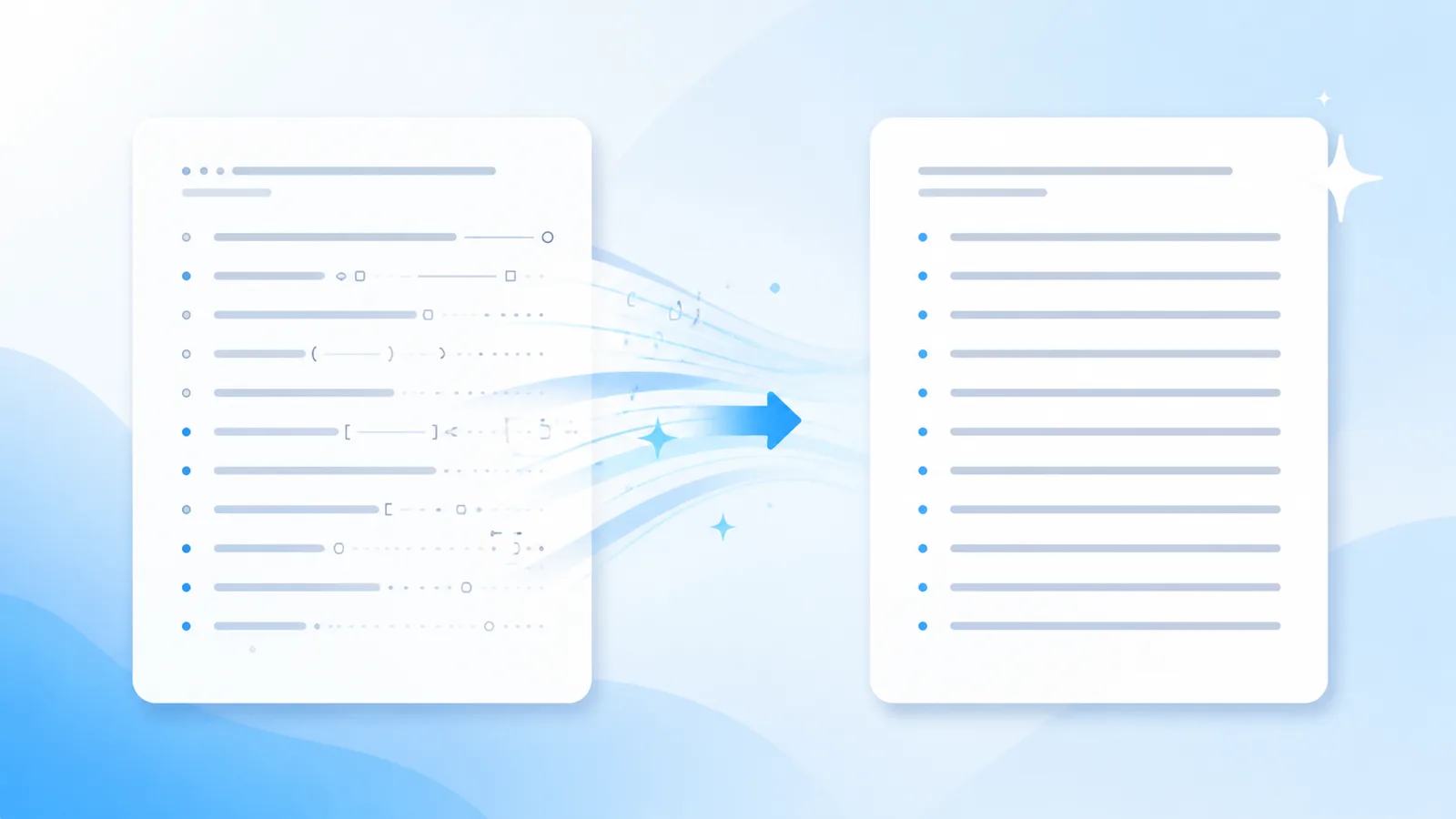
Here is your article overview — **Core takeaways** - First point included > Note: verify numbers
Here is your article overview —

Core takeaways
• First point included

Note: verify numbers
Hygiene advantages
Strip invisible characters and odd Unicode from draft exports automatically. Prepare spotless copy for your team with our dedicated text hygiene tool.
Instantly strips zero-width spaces, narrow no-break spaces, soft hyphens, and formatting tags directly in your browser without uploading data.
Rebuilds formulaic sentence structures and monotonous transitions into engaging, authentic prose when deep revision is required.
Invisible character removal and Markdown stripping execute 100% locally in your browser session. Your draft text is never transmitted to our servers during free scans.
Workflow
Paste your raw exported text into the workspace editor to initiate an instant local audit.
Review the detailed breakdown of detected invisible characters and click Clean to strip all non-printing artifacts.
Copy the sanitized, normalized plain text directly into your CMS, word processor, or client deliverables.
Capabilities
Eliminates zero-width spaces, ZWNJ, non-breaking spaces, and 60+ non-printing codepoints entirely inside your browser.
Flattens bold stars, header hashes, blockquotes, and list indicators into uniform plain text ready for copy editors.
Reconstructs entire sentence structures when models embed statistical sampling signatures into word choice rather than hidden tags.
Softens formulaic phrasing and robotic sentence rhythm to create a fluid, authentic reading cadence.
Text Hygiene Concept
When draft content is generated by artificial intelligence tools, the exported string rarely consists of pure plain text. Hidden within the text are formatting control codes, zero-width characters, and non-standard spacing bytes that cause rendering bugs across content management systems.
These invisible artifacts often break string length calculations, disrupt responsive CSS layouts, and introduce strange line wrapping in mobile browsers. Traditional spell checkers overlook them entirely because the characters lack visual glyphs.
AI Text Cleaner applies deterministic client-side pattern matching across 60+ known non-printing Unicode positions. The entire process runs locally in your browser memory, ensuring your confidential drafts remain strictly private.
By integrating automated text cleaning into your editorial pipeline, your content team eliminates layout glitches, standardizes character encoding, and produces clean drafts ready for immediate client review.
Technical Sources & References
Our text hygiene tools are built on official Unicode Consortium specifications and published AI watermarking research.
| Mechanism | What It Embeds | Effective Solution |
|---|---|---|
| Unicode / Paste Residue | Zero-width spaces, U+202F, non-printing codepoints | Free client-side scanner & stripper |
| Markdown Clutter | Raw asterisks, header hashes, blockquotes, code fences | Free Markdown cleaner |
| Statistical Token Sampling | Cryptographic token selection bias (Claude 2026) | Pro full-sentence reconstruction |
“"The watermark is applied by slightly biasing the choice of words during generation... A thorough rewrite that changes nearly every word removes the watermark."”
“"Format controls and invisible characters can disrupt string comparison, rendering, and text security if not properly sanitized."”
CommonMark specification for deterministic markdown syntax flattening. CommonMark 0.31 Specification.
Applications
Strip invisible characters before pasting into WordPress or Webflow to prevent broken tags and CSS wrapping errors.
Open the tool →
Ensure marketing copy and articles delivered to clients are free from erratic spacing and prompt residue.
Open the tool →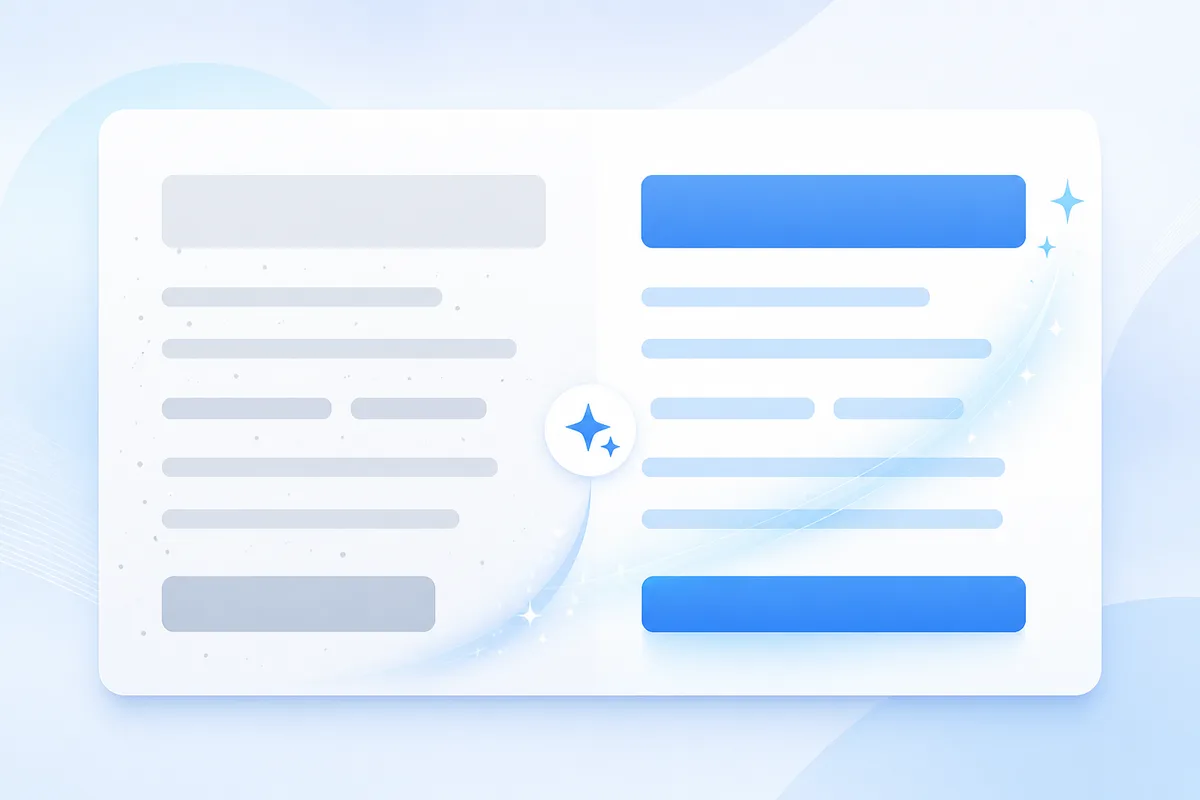
Eliminate non-breaking spaces that cause ugly line wraps across Outlook and Apple Mail clients.
Open the tool →
Sanitize draft outputs before pasting into Notion, Confluence, or GitHub markdown documents.
Open the tool →Feedback
“The free scanner flagged six hidden Unicode bytes that were corrupting our CMS layout. Having a local tool to audit drafts before publishing saves our editorial team hours.”
Elena R.
Managing Editor, Digital Publishing
“Stripping chat markdown and weird spaces without uploading text to a third party is exactly what our compliance team needed. Fast, private, and dependable.”
Marcus T.
Content Operations Lead
“The distinction between Unicode residue and Claude's statistical sampling is refreshing. Free cleanup handles the formatting, and Pro rewrite takes care of cadence when needed.”
David K.
SEO & Content Strategist
Tools
Targeted workflows for cleaning text generated by major AI platforms.
Inspect your pasted drafts to isolate suspicious tags, zero-width tokens, and hidden formatting artifacts for spotless copies.
Cleaner AI Text →Erase hidden tokens and non-standard spacing before pushing copy live on your blog. Keep typography uniform by stripping away invisible prompt residue.
Clean AI Text →Strip odd artifacts left behind by automated writers from your source documents. Ensure clean paragraph breaks and stable fonts across content systems.
AI Clean Text →Pricing
Free local cleaning forever; upgrade to Pro only when you need comprehensive sentence rewriting.
View Pro PlansOur free tool cleans physical Unicode characters and formatting tags locally. It does not alter statistical sampling watermarks without a Pro rewrite, nor does it guarantee automated bypass of third-party AI detectors.
FAQ
It removes non-printing Unicode characters (like zero-width spaces, joiners, and U+202F spaces), abnormal line feeds, and raw markdown tags, leaving your actual words untouched.
No. The free cleaning tool strictly targets hidden formatting bytes and special whitespace. Your text, grammar, and vocabulary remain exactly as written.
No. All character scanning and sanitization execute entirely in your local web browser session using client-side JavaScript.
AI interfaces often use hidden zero-width tags and non-breaking spaces for visual formatting. When text is copied, these invisible bytes get captured in the clipboard.
Yes. Eliminating rogue Unicode characters and non-standard whitespace prevents layout warping and CSS wrapping bugs in CMS platforms.
Text Cleaner AI focuses on physical text hygiene and formatting cleanliness. For wording-level sampling marks like Claude's watermark, our Pro tool performs full-text reconstruction.
About AI Text Cleaner
By integrating automated text cleaning into your editorial pipeline, your content team eliminates layout glitches, standardizes character encoding, and produces clean drafts ready for immediate client review.
Strip invisible characters and odd Unicode from draft exports automatically. Prepare spotless copy for your team with our dedicated text hygiene tool.