Microsoft Word
Non-breaking spaces (U+00A0), smart quotes, and nested list codes.
Strip markdown artifacts, bullet wrappers, and messy indentation from AI text. Export clean, plain copy that pastes flawlessly into any word processor.
Where odd spaces, smart quotes, and hidden formatting bugs actually originate.
Non-breaking spaces (U+00A0), smart quotes, and nested list codes.
Clipboard HTML carrying hidden spans, non-standard spaces, and curly apostrophes.
Outlook and Gmail pastes that inject hidden font styles and inline spacing.
Soft hyphens, broken line feeds, and ghost spaces copied from PDF viewers.
Text hygiene preview
See messy markdown wrappers stripped into clean, readable plain text.
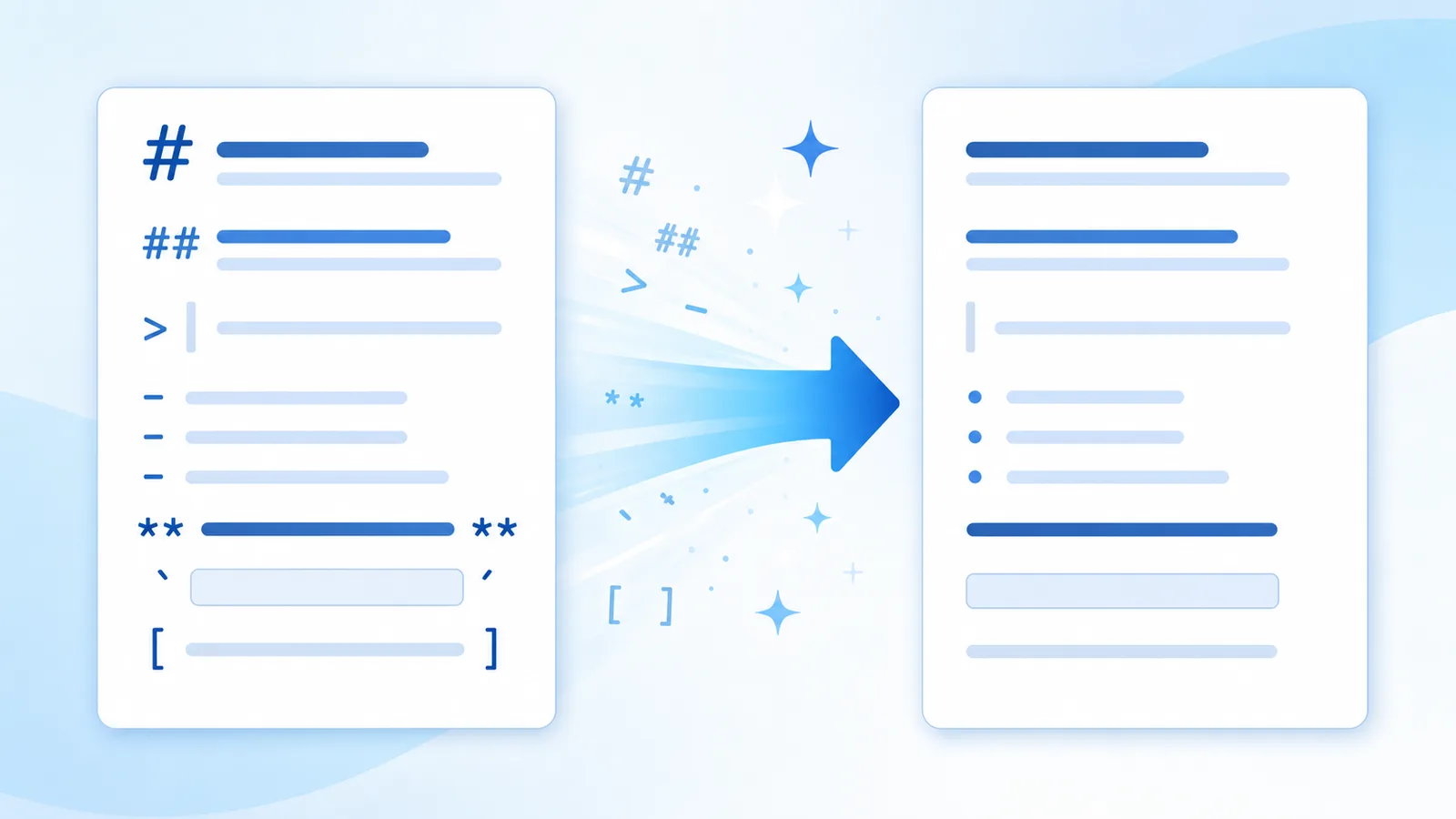
Here is your article overview — **Core takeaways** - First point included > Note: verify numbers
Here is your article overview —

Core takeaways
• First point included

Note: verify numbers
Hygiene advantages
Strip markdown artifacts, bullet wrappers, and messy indentation from AI text. Export clean, plain copy that pastes flawlessly into any word processor.
Removes markdown tags, list markers, and irregular indentation locally in your browser.
Reconstructs robotic sentence flow into natural prose using Pro rewrite credits.
Invisible character removal and Markdown stripping execute 100% locally in your browser session. Your draft text is never transmitted to our servers during free scans.
Workflow
Insert raw chat text containing hashes, asterisks, and bullets into the editor.
Click Clean & Fix Text to eliminate markdown wrappers and normalize line spacing.
Copy pristine text ready for pasting into any word processor or email client.
Capabilities
Eliminates zero-width spaces, ZWNJ, non-breaking spaces, and 60+ non-printing codepoints entirely inside your browser.
Flattens bold stars, header hashes, blockquotes, and list indicators into uniform plain text ready for copy editors.
Reconstructs entire sentence structures when models embed statistical sampling signatures into word choice rather than hidden tags.
Softens formulaic phrasing and robotic sentence rhythm to create a fluid, authentic reading cadence.
Text Hygiene Concept
When copying text from AI chatbots into Microsoft Word, Google Docs, or email clients, automated markdown markers (# headers, **bolding**, `code backticks`, and nested list hyphens) create frustrating formatting clutter.
Manually deleting these markers from long documents is tedious and error-prone.
AI Text Cleaner strips all markdown formatting tags and normalizes erratic line spacing in milliseconds, converting raw chat exports into clean, uniform plain text.
Your text emerges perfectly standardized, ready to paste into any document editor or content management system without styling bugs.
Technical Sources & References
Our text hygiene tools are built on official Unicode Consortium specifications and published AI watermarking research.
| Mechanism | What It Embeds | Effective Solution |
|---|---|---|
| Unicode / Paste Residue | Zero-width spaces, U+202F, non-printing codepoints | Free client-side scanner & stripper |
| Markdown Clutter | Raw asterisks, header hashes, blockquotes, code fences | Free Markdown cleaner |
| Statistical Token Sampling | Cryptographic token selection bias (Claude 2026) | Pro full-sentence reconstruction |
“"The watermark is applied by slightly biasing the choice of words during generation... A thorough rewrite that changes nearly every word removes the watermark."”
“"Format controls and invisible characters can disrupt string comparison, rendering, and text security if not properly sanitized."”
CommonMark specification for deterministic markdown syntax flattening. CommonMark 0.31 Specification.
Applications
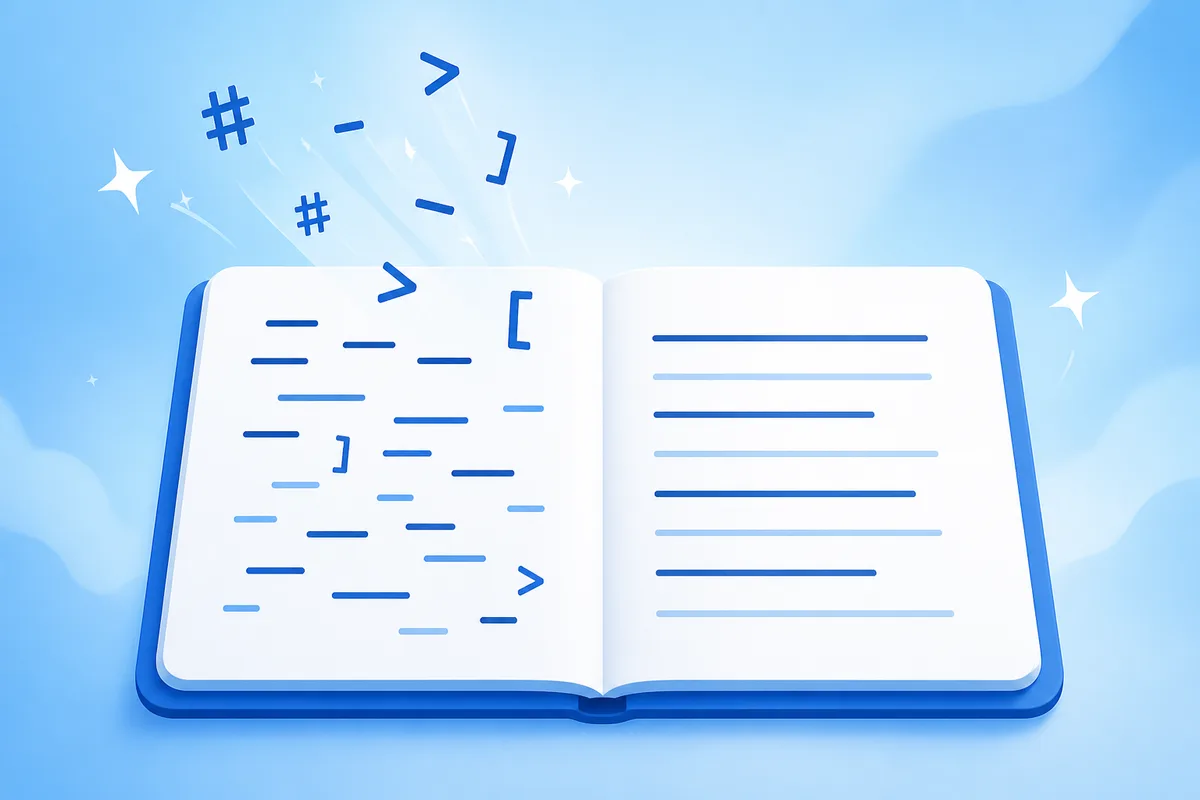
Strip markdown hashtags and asterisks before pasting into Mailchimp or HubSpot.
Open the tool →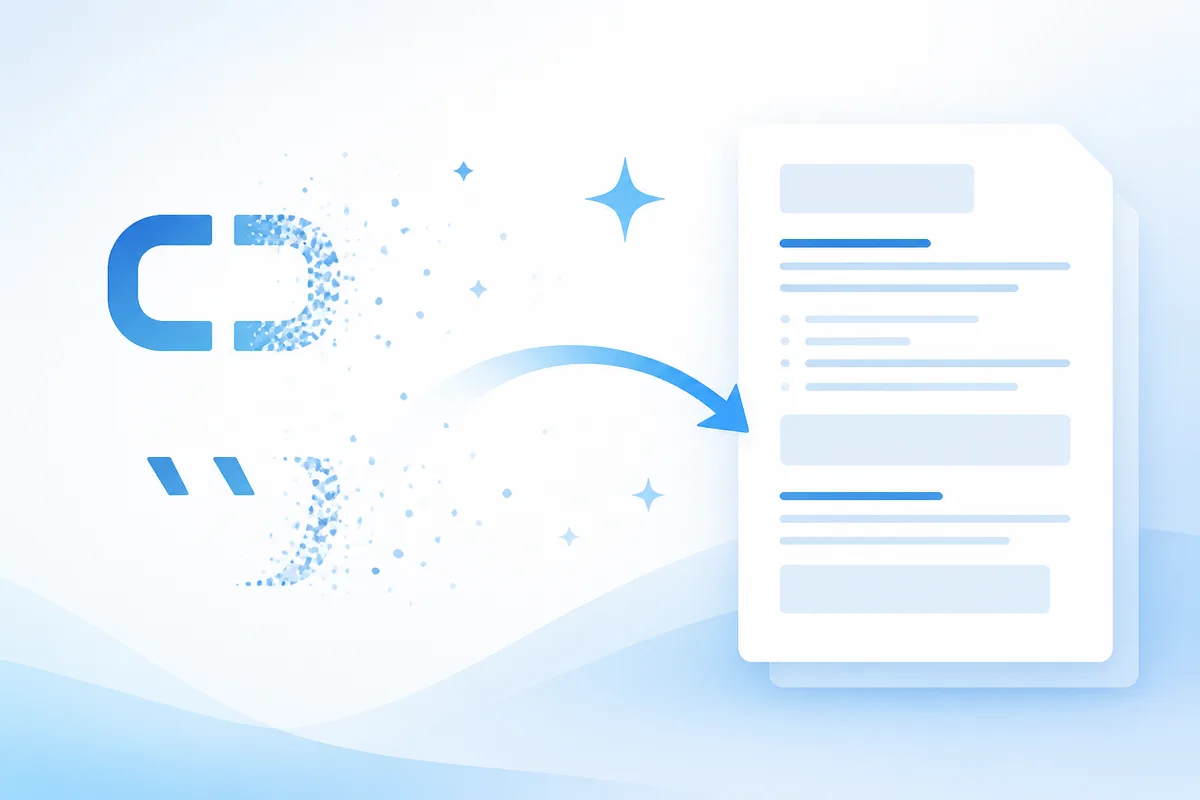
Remove chat artifacts to paste uniform, clean paragraphs into shared team documents.
Open the tool →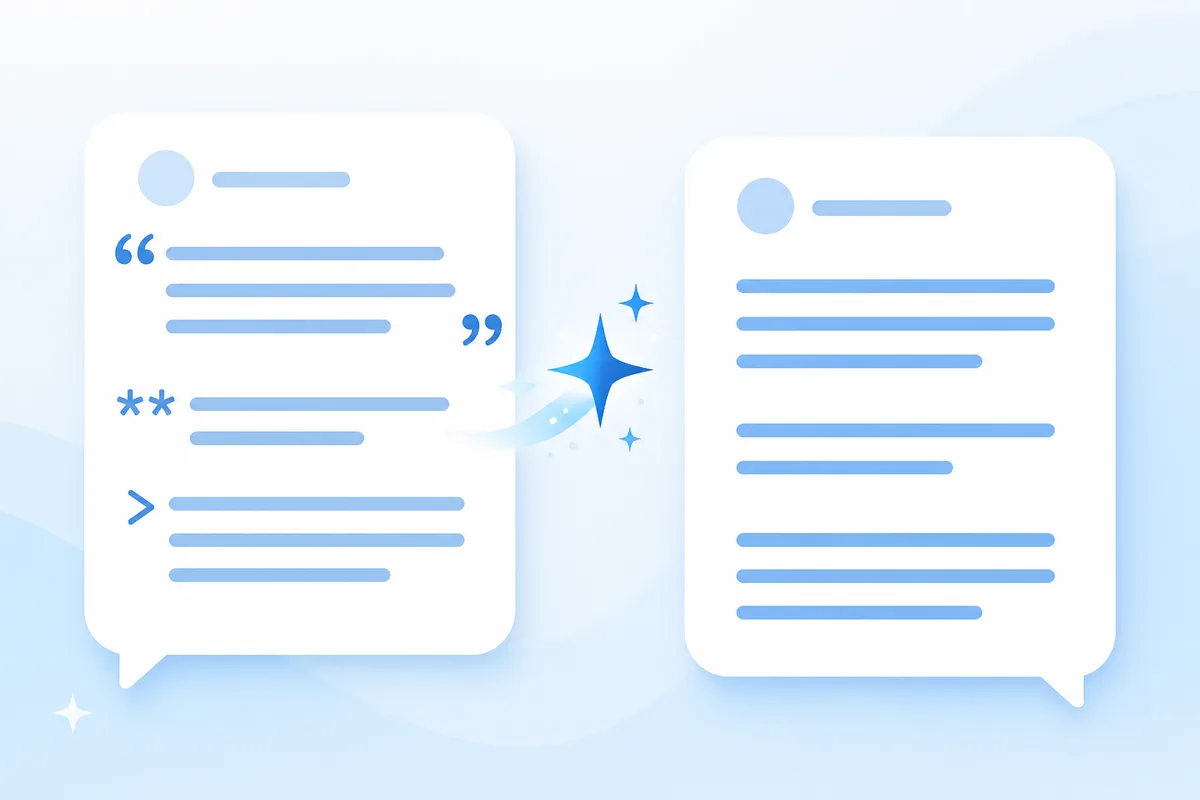
Scrub line feeds and markdown tags to prevent multi-line overflow in Excel or Sheets.
Open the tool →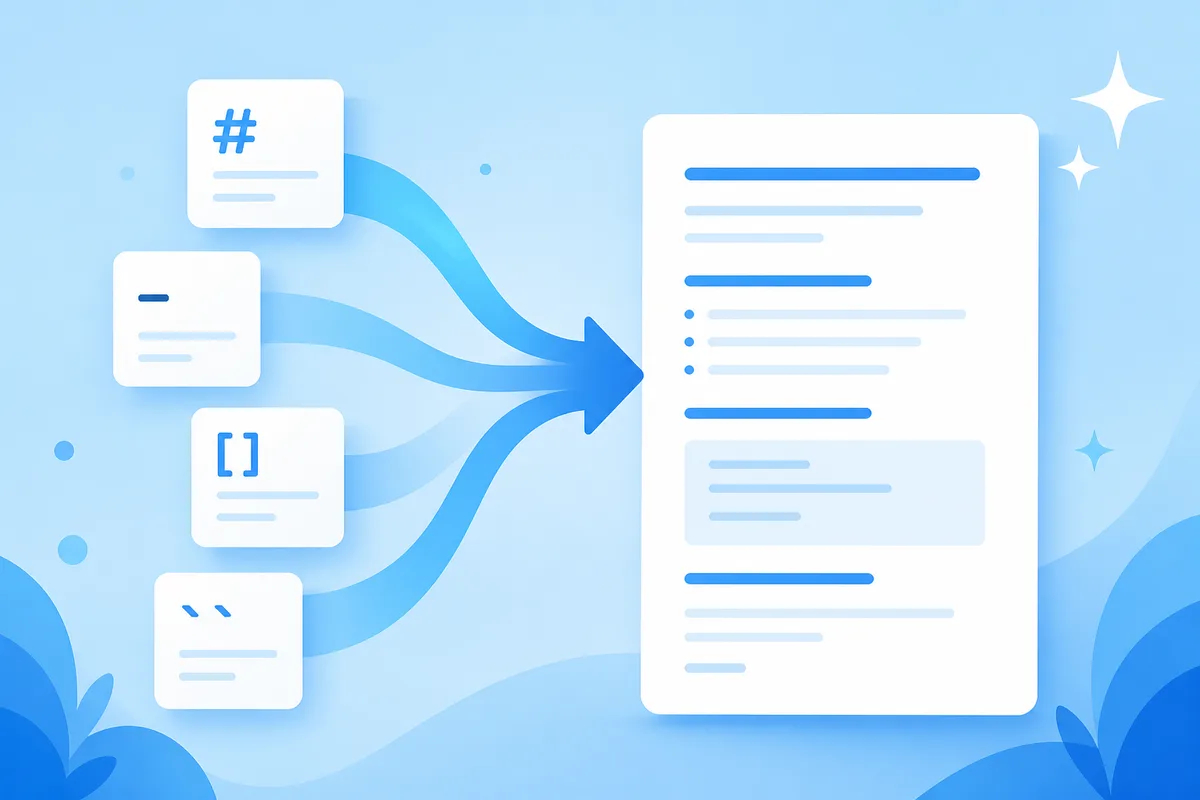
Clean exported AI speaking points into tidy plain text for PowerPoint and Keynote.
Open the tool →Feedback
“The free scanner flagged six hidden Unicode bytes that were corrupting our CMS layout. Having a local tool to audit drafts before publishing saves our editorial team hours.”
Elena R.
Managing Editor, Digital Publishing
“Stripping chat markdown and weird spaces without uploading text to a third party is exactly what our compliance team needed. Fast, private, and dependable.”
Marcus T.
Content Operations Lead
“The distinction between Unicode residue and Claude's statistical sampling is refreshing. Free cleanup handles the formatting, and Pro rewrite takes care of cadence when needed.”
David K.
SEO & Content Strategist
Tools
Targeted workflows for cleaning text generated by major AI platforms.
Erase automated list asterisks, markdown wrappers, and uneven spacing from drafts. Normalize your exported text for seamless pasting into CMS platforms.
Remove AI Text Formatting →Convert markdown-formatted AI responses into clean plain text in one click. Strip header hashes, bold asterisks, and code backticks for easy document pasting.
Unmarkdown →Remove all markdown syntax, list wrappers, and code fences from text instantly. Copy pristine, clean text ready for emails, presentations, and word processors.
Strip Markdown →Pricing
Unlimited free local formatting stripping; affordable credit packs for Pro rewriting.
View Pro PlansOur tool removes physical markdown tags and normalizes whitespace locally. It does not alter statistical sampling watermarks without Pro rewriting.
FAQ
It removes markdown header hashes (#), bold/italic asterisks (**), backticks (`), blockquote markers (>), and automated list hyphens.
No. All paragraph content, words, numbers, and standard punctuation remain completely untouched.
No. Markdown stripping and whitespace normalization run 100% locally in your browser session.
Yes. It condenses multiple consecutive blank lines and normalizes irregular indentations.
No. Free local markdown stripping is unlimited and requires no login.
Use our Pro AI Humanizer tab to reconstruct sentence cadence using Pro credits.
About AI Text Cleaner
Your text emerges perfectly standardized, ready to paste into any document editor or content management system without styling bugs.
Strip markdown artifacts, bullet wrappers, and messy indentation from AI text. Export clean, plain copy that pastes flawlessly into any word processor.