1. Local Residue Stripping
Deletes zero-width characters, non-breaking spaces, and markdown noise 100% in your browser.
Filter erratic whitespace and hidden tokens from your GPT-generated copy in seconds. Prepare clear, standardized text ready for client review and sharing.
Invisible characters disrupt workflows before anyone notices them in the text.
Database search queries fail because zero-width spaces sit inside product titles.
Spreadsheet math formulas error out because U+202F narrow spaces sit inside numbers.
Email subject lines wrap awkwardly because non-breaking spaces prevent clean line breaks.
Code comments fail linter checks because markdown fences were pasted from AI chats.
Text hygiene preview
See messy GPT outputs transformed into clean, publication-grade text.
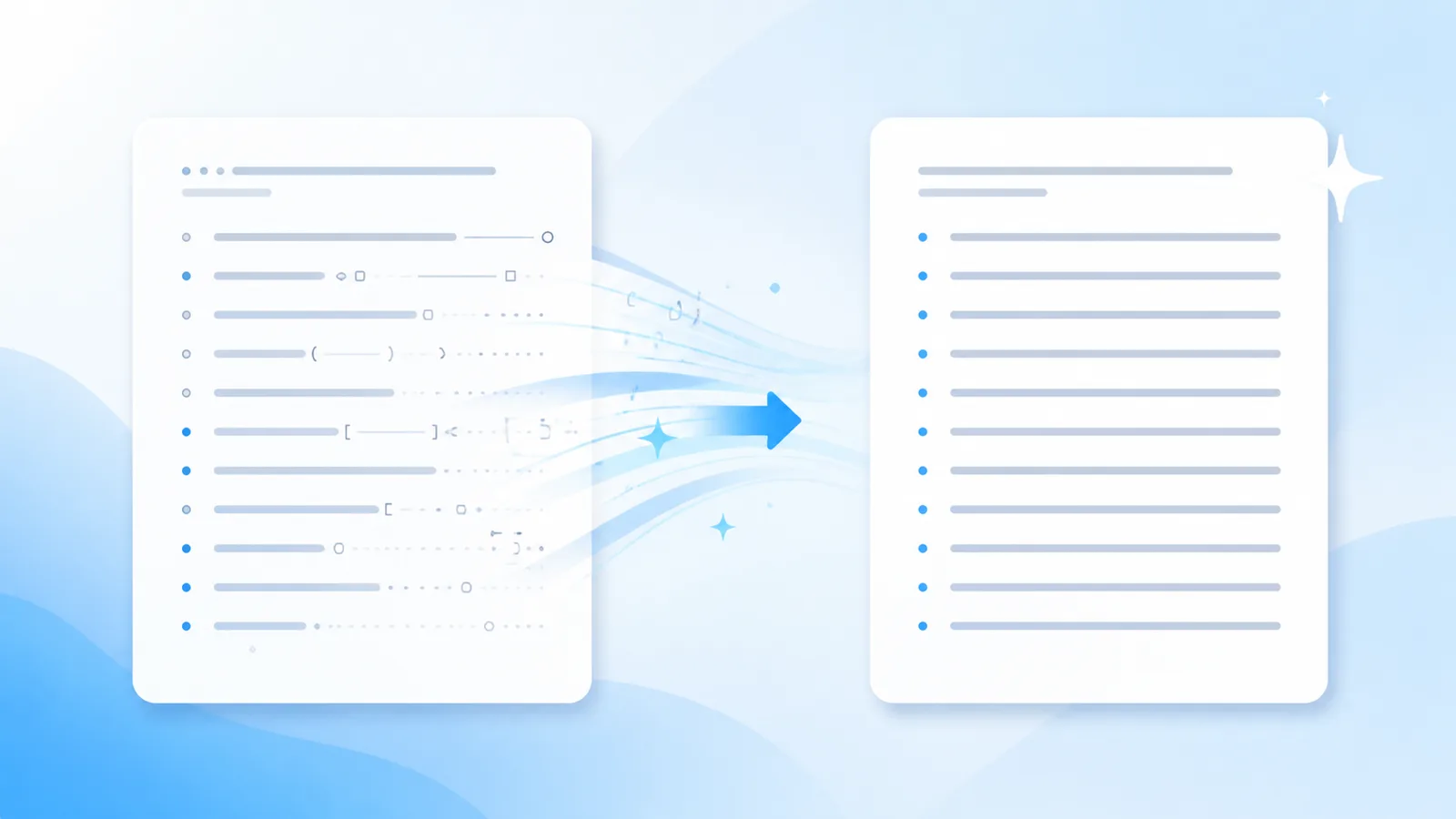
Here is your article overview — **Core takeaways** - First point included > Note: verify numbers
Here is your article overview —

Core takeaways
• First point included

Note: verify numbers
Hygiene advantages
Filter erratic whitespace and hidden tokens from your GPT-generated copy in seconds. Prepare clear, standardized text ready for client review and sharing.
Deletes zero-width characters, non-breaking spaces, and markdown noise 100% in your browser.
Reconstructs repetitive GPT sentence templates into natural, engaging prose using Pro credits.
Invisible character removal and Markdown stripping execute 100% locally in your browser session. Your draft text is never transmitted to our servers during free scans.
Workflow
Drop raw GPT output into the workspace to scan for non-printing characters.
Click Clean to strip invisible tokens, normalize spaces, and flatten markdown.
Copy the pristine plain text directly into your client document or CMS platform.
Capabilities
Eliminates zero-width spaces, ZWNJ, non-breaking spaces, and 60+ non-printing codepoints entirely inside your browser.
Flattens bold stars, header hashes, blockquotes, and list indicators into uniform plain text ready for copy editors.
Reconstructs entire sentence structures when models embed statistical sampling signatures into word choice rather than hidden tags.
Softens formulaic phrasing and robotic sentence rhythm to create a fluid, authentic reading cadence.
Text Hygiene Concept
Copying raw GPT drafts into professional presentations or client documents often introduces formatting defects. Non-standard whitespace (such as narrow no-break spaces) and zero-width tokens remain invisible in text editors but cause awkward line breaks in PDF exports and mobile layouts.
Clients and stakeholders immediately notice when text exhibits inconsistent spacing or formatting glitches. Clean text hygiene is an essential step in maintaining high editorial standards.
AI Text Cleaner scans GPT text across 60+ non-printing Unicode positions locally in your browser, removing all invisible clutter in milliseconds without transmitting sensitive data.
With clean, standardized copy, your team can share deliverables, publish blog posts, and submit articles with total confidence.
Technical Sources & References
Our text hygiene tools are built on official Unicode Consortium specifications and published AI watermarking research.
| Mechanism | What It Embeds | Effective Solution |
|---|---|---|
| Unicode / Paste Residue | Zero-width spaces, U+202F, non-printing codepoints | Free client-side scanner & stripper |
| Markdown Clutter | Raw asterisks, header hashes, blockquotes, code fences | Free Markdown cleaner |
| Statistical Token Sampling | Cryptographic token selection bias (Claude 2026) | Pro full-sentence reconstruction |
“"The watermark is applied by slightly biasing the choice of words during generation... A thorough rewrite that changes nearly every word removes the watermark."”
“"Format controls and invisible characters can disrupt string comparison, rendering, and text security if not properly sanitized."”
CommonMark specification for deterministic markdown syntax flattening. CommonMark 0.31 Specification.
Applications
Strip non-standard spaces from GPT-generated strategy points before pasting into PowerPoint.
Open the tool →
Ensure internal executive briefings are clean, professional, and free from hidden formatting tags.
Open the tool →
Scrub draft articles to ensure clean paragraph breaks before importing into WordPress.
Open the tool →
Normalize customer success interview summaries before final editorial layout in InDesign.
Open the tool →Feedback
“The free scanner flagged six hidden Unicode bytes that were corrupting our CMS layout. Having a local tool to audit drafts before publishing saves our editorial team hours.”
Elena R.
Managing Editor, Digital Publishing
“Stripping chat markdown and weird spaces without uploading text to a third party is exactly what our compliance team needed. Fast, private, and dependable.”
Marcus T.
Content Operations Lead
“The distinction between Unicode residue and Claude's statistical sampling is refreshing. Free cleanup handles the formatting, and Pro rewrite takes care of cadence when needed.”
David K.
SEO & Content Strategist
Tools
Targeted workflows for cleaning text generated by major AI platforms.
Strip zero-width markers and strange spaces from your Gemini text responses. Ensure your exported technical articles paste cleanly into markdown docs.
Clean Gemini Text →Purge zero-width joiners, non-breaking spaces, and hidden unicode in a single click. Keep strings clean for source code, database entry, and web pages.
Remove Invisible Characters →Highlight hidden zero-width tokens and invisible unicode symbols across your text. Review an exact residue breakdown before exporting clean plain copies.
Invisible Character Scanner →Pricing
Free local cleaning forever; pay-as-you-go credits for Pro sentence rewriting.
View Pro PlansLocal cleaning removes physical Unicode artifacts. Deep statistical watermark removal requires a Pro rewrite. We do not claim guaranteed bypass of AI detection systems.
FAQ
GPT web interfaces often render text using special Unicode characters like U+202F or U+00A0 to format punctuation and lists.
No. The free tool removes hidden characters and standardizes spaces while leaving your exact words untouched.
Yes. Free character cleaning executes entirely in your local browser memory; no text is sent to our servers.
Yes. The client-side scanner processes long text passages in fractions of a second with no free-tier limits.
We detect over 60 non-printing codepoints including zero-width spaces, joiners, soft hyphens, and byte order marks.
Use our Pro AI Humanizer tab to vary sentence structures and enhance vocabulary flow.
About AI Text Cleaner
With clean, standardized copy, your team can share deliverables, publish blog posts, and submit articles with total confidence.
Filter erratic whitespace and hidden tokens from your GPT-generated copy in seconds. Prepare clear, standardized text ready for client review and sharing.