1. Zero-Width Tag Stripping
Removes invisible Unicode tags, joiners, and non-breaking spaces locally on your machine.
Scrub automated copy exports to eliminate hidden zero-width tags before layout work. Streamline content formatting and ensure crisp, predictable typography.
These code points appear most frequently in AI chat pastes and document exports. The full scan covers 60 characters; here are the common offenders.
| Code | Character Name | Why it breaks pastes |
|---|---|---|
| U+200B | Zero Width Space | Invisible separator; breaks word counts, search and URLs. Common AI/copy artifact. |
| U+200C | Zero Width Non-Joiner | Invisible; controls ligature joining. Often unintended residue. |
| U+200D | Zero Width Joiner | Invisible; joins glyphs/emoji. Can be watermark residue in plain text. |
| U+FEFF | Zero Width No-Break Space (BOM) | Byte order mark / invisible; corrupts leading text and parsing. |
| U+00A0 | No-Break Space | Looks like a space but blocks line breaks; breaks search matching. |
| U+202F | Narrow No-Break Space (NNBSP) | The main 'ChatGPT o3/o4-mini' artifact. Looks like a space, different code point. |
| U+00AD | Soft Hyphen | Invisible unless line wraps; splits words for search. |
| U+202E | Right-To-Left Override | Bidi override; strong spoofing risk. |
Our in-browser scanner checks the full catalog of 60 invisible code points, including directional controls and zero-width joiners.
Text hygiene preview
See how hidden tags are stripped to produce crisp, dependable typography.
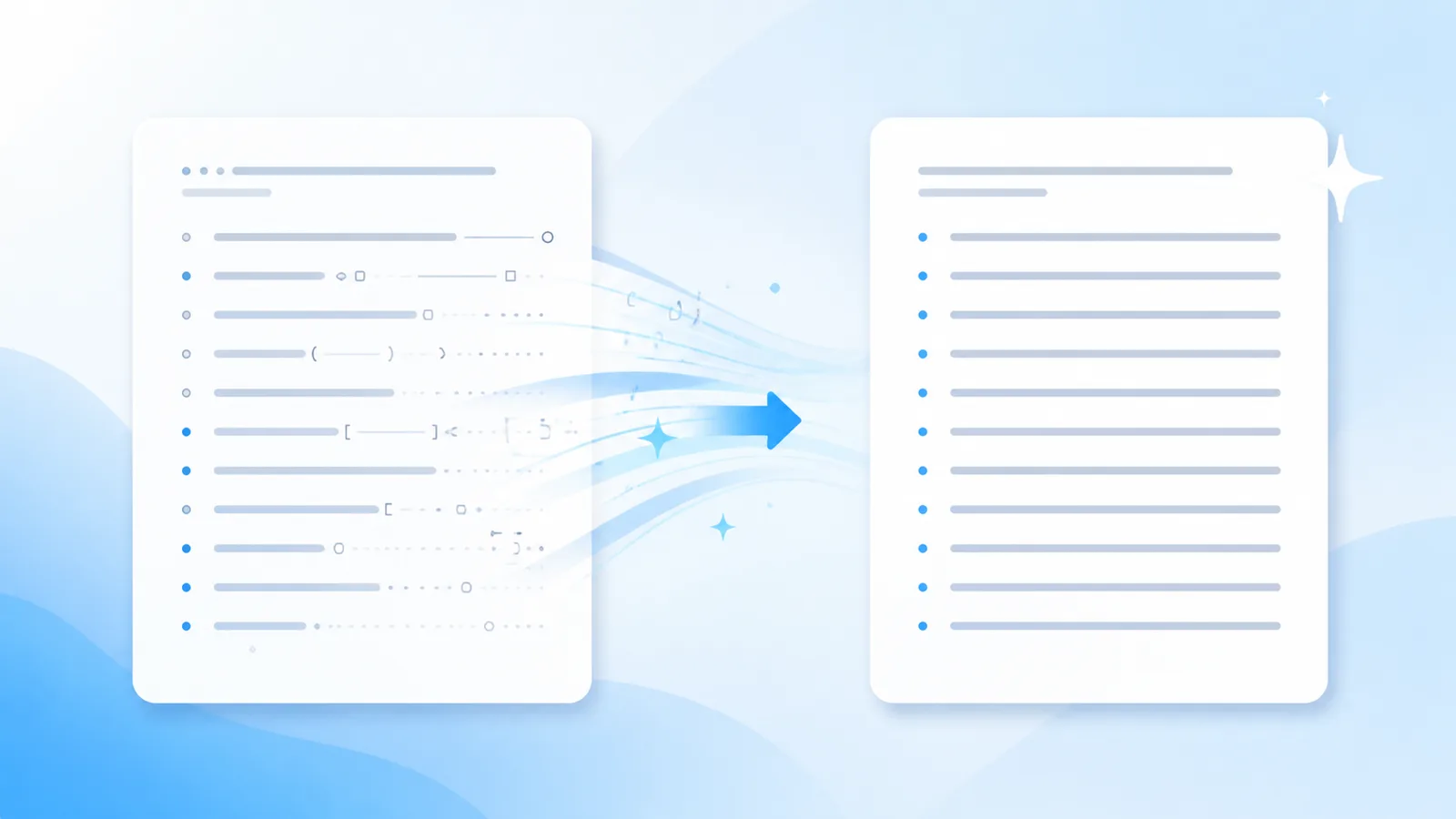
Here is your article overview — **Core takeaways** - First point included > Note: verify numbers
Here is your article overview —

Core takeaways
• First point included

Note: verify numbers
Hygiene advantages
Scrub automated copy exports to eliminate hidden zero-width tags before layout work. Streamline content formatting and ensure crisp, predictable typography.
Removes invisible Unicode tags, joiners, and non-breaking spaces locally on your machine.
Reconstructs repetitive sentence structures into engaging, reader-friendly prose with Pro credits.
Invisible character removal and Markdown stripping execute 100% locally in your browser session. Your draft text is never transmitted to our servers during free scans.
Workflow
Drop raw text from your AI writer into the tool to inspect for hidden formatting tags.
Click Clean to strip invisible codepoints and normalize whitespace instantly.
Paste spotless plain text directly into Figma, InDesign, or your CMS template.
Capabilities
Eliminates zero-width spaces, ZWNJ, non-breaking spaces, and 60+ non-printing codepoints entirely inside your browser.
Flattens bold stars, header hashes, blockquotes, and list indicators into uniform plain text ready for copy editors.
Reconstructs entire sentence structures when models embed statistical sampling signatures into word choice rather than hidden tags.
Softens formulaic phrasing and robotic sentence rhythm to create a fluid, authentic reading cadence.
Text Hygiene Concept
When layout designers and editors import raw text generated by artificial intelligence into Figma, InDesign, or WordPress, hidden zero-width tags frequently corrupt text frames.
These invisible characters distort leading, cause unexpected overflow warnings, and break text wrapping around visual assets. Fixing these bugs manually slows down editorial velocity.
AI Text Cleaner eliminates these layout roadblocks instantly. Our client-side scanner audits text against 60+ known non-printing Unicode positions, stripping every rogue byte in milliseconds.
By running exports through Output Cleaner AI before layout assembly, design and editorial teams ensure smooth, predictable typography every time.
Technical Sources & References
Our text hygiene tools are built on official Unicode Consortium specifications and published AI watermarking research.
| Mechanism | What It Embeds | Effective Solution |
|---|---|---|
| Unicode / Paste Residue | Zero-width spaces, U+202F, non-printing codepoints | Free client-side scanner & stripper |
| Markdown Clutter | Raw asterisks, header hashes, blockquotes, code fences | Free Markdown cleaner |
| Statistical Token Sampling | Cryptographic token selection bias (Claude 2026) | Pro full-sentence reconstruction |
“"The watermark is applied by slightly biasing the choice of words during generation... A thorough rewrite that changes nearly every word removes the watermark."”
“"Format controls and invisible characters can disrupt string comparison, rendering, and text security if not properly sanitized."”
CommonMark specification for deterministic markdown syntax flattening. CommonMark 0.31 Specification.
Applications
Strip zero-width characters before pasting microcopy into Figma and Sketch design components.
Open the tool →
Prevent hidden Unicode tags from triggering overset text warnings in Adobe InDesign documents.
Open the tool →
Ensure text blocks paste cleanly into Canva templates without unexpected font substitutions.
Open the tool →
Clean presenter notes and bullet points before loading them into Google Slides or PowerPoint.
Open the tool →Feedback
“The free scanner flagged six hidden Unicode bytes that were corrupting our CMS layout. Having a local tool to audit drafts before publishing saves our editorial team hours.”
Elena R.
Managing Editor, Digital Publishing
“Stripping chat markdown and weird spaces without uploading text to a third party is exactly what our compliance team needed. Fast, private, and dependable.”
Marcus T.
Content Operations Lead
“The distinction between Unicode residue and Claude's statistical sampling is refreshing. Free cleanup handles the formatting, and Pro rewrite takes care of cadence when needed.”
David K.
SEO & Content Strategist
Tools
Targeted workflows for cleaning text generated by major AI platforms.
Detect zero-width spaces and irregular unicode left in your ChatGPT clipboard copy. Clean your pasted responses before pasting into production templates.
Clean Chatgpt Text →Remove hidden zero-width spaces, secret tags, and non-standard characters from ChatGPT drafts. Keep your team documentation tidy and fully normalized.
Chatgpt Text Watermark Remover →Filter erratic whitespace and hidden tokens from your GPT-generated copy in seconds. Prepare clear, standardized text ready for client review and sharing.
Cleaner GPT →Pricing
Free local cleaning forever; credit packs for Pro sentence rewriting.
View Pro PlansLocal cleaning removes physical Unicode artifacts. Reconstructing statistical sampling watermarks requires a Pro rewrite. We do not claim guaranteed bypass of AI detection tools.
FAQ
Invisible zero-width characters and non-standard line breaks trigger overflow errors and disrupt font kerning engines in graphic design software.
Yes. Switch to our Markdown tab to strip hashes, asterisks, and code blocks into clean plain text.
No. All scanning and cleaning run 100% locally in your browser memory.
Yes. The client-side cleaner processes long documents instantly without word count caps on free tools.
It removes 60+ codepoints including ZWSP, ZWNJ, BOM, soft hyphens, and U+202F narrow spaces.
Use our AI Humanizer tab to reconstruct clunky sentences and add natural flow using Pro rewrite credits.
About AI Text Cleaner
By running exports through Output Cleaner AI before layout assembly, design and editorial teams ensure smooth, predictable typography every time.
Scrub automated copy exports to eliminate hidden zero-width tags before layout work. Streamline content formatting and ensure crisp, predictable typography.